Architects and Engineers…
Can You Set Up a New Project — Fully Structured — In Under 5 Minutes?
Stop manually configuring every project from scratch. Set up billing rates, phases, fees, consultants, and your team in minutes — and start tracking profitability from day one.
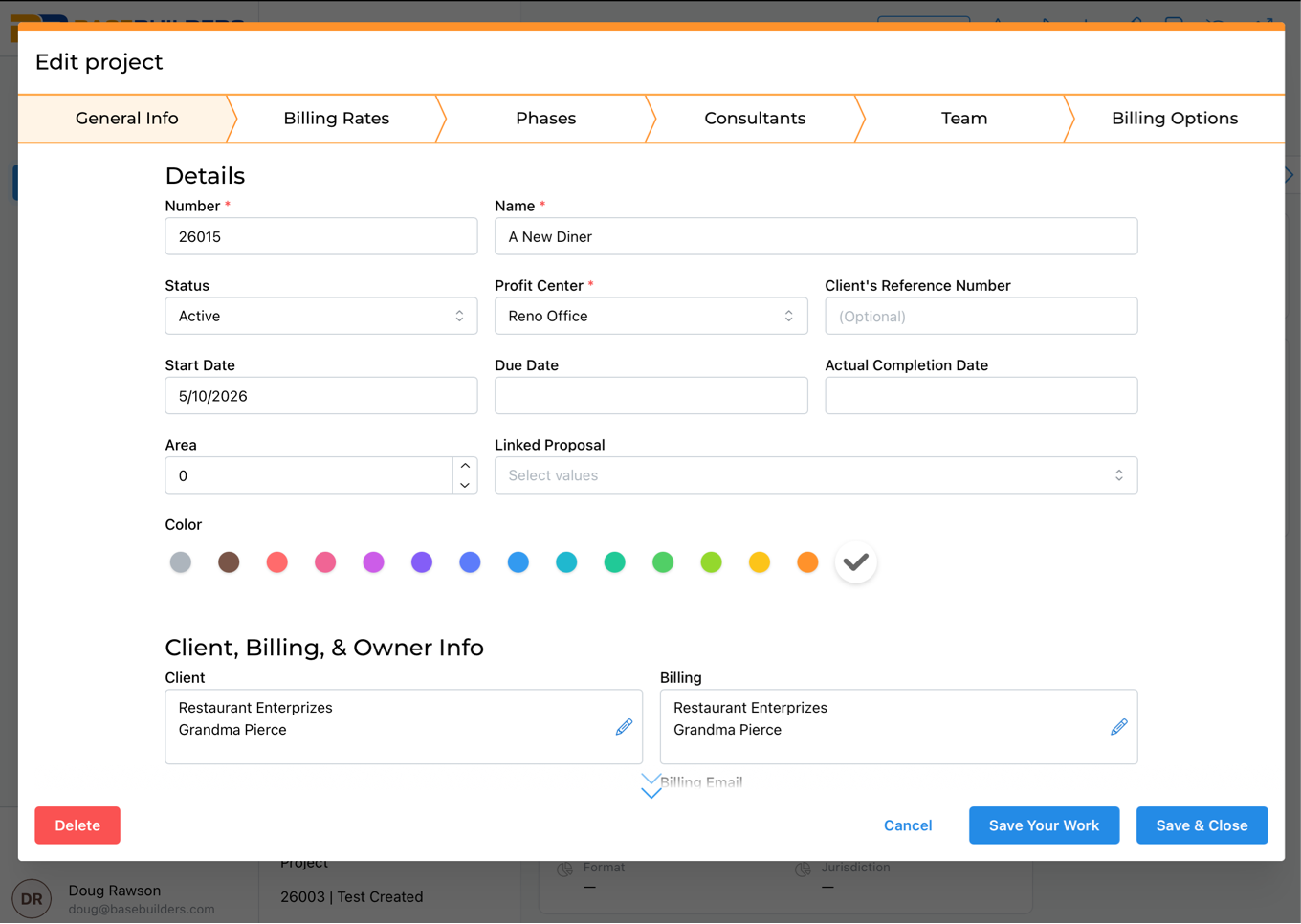
Step 1 — Create the Project
Add the project name, client, status, profit center, square footage, and address. Project numbers serialize automatically based on your firm's settings. Takes about 30 seconds.
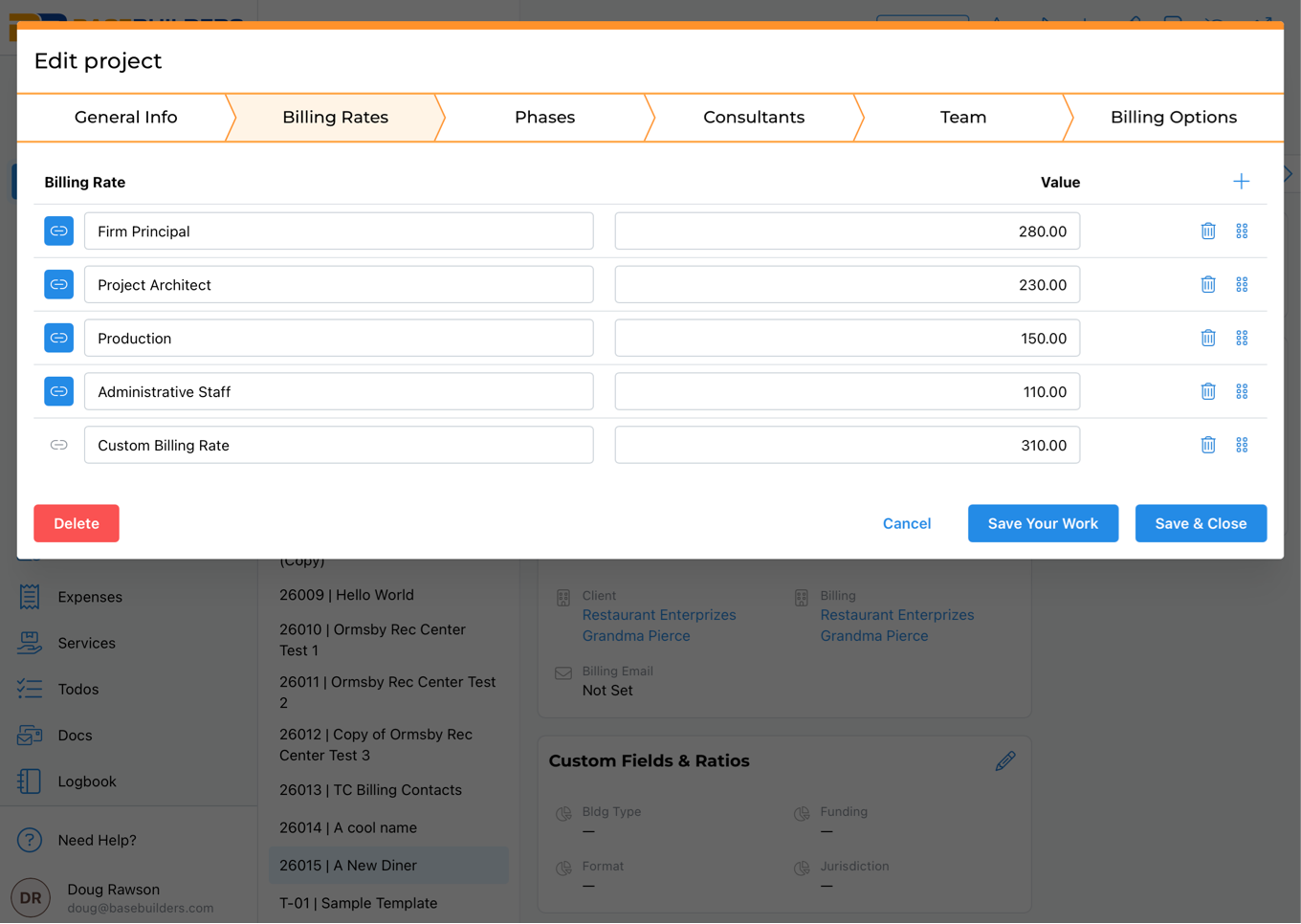
Step 2 — Set Your Billing Rates
Import your master rate sheet in one click — or create a custom rate schedule for that project. Organize by rate classification (e.g., private sector vs. government) for firm-wide consistency.
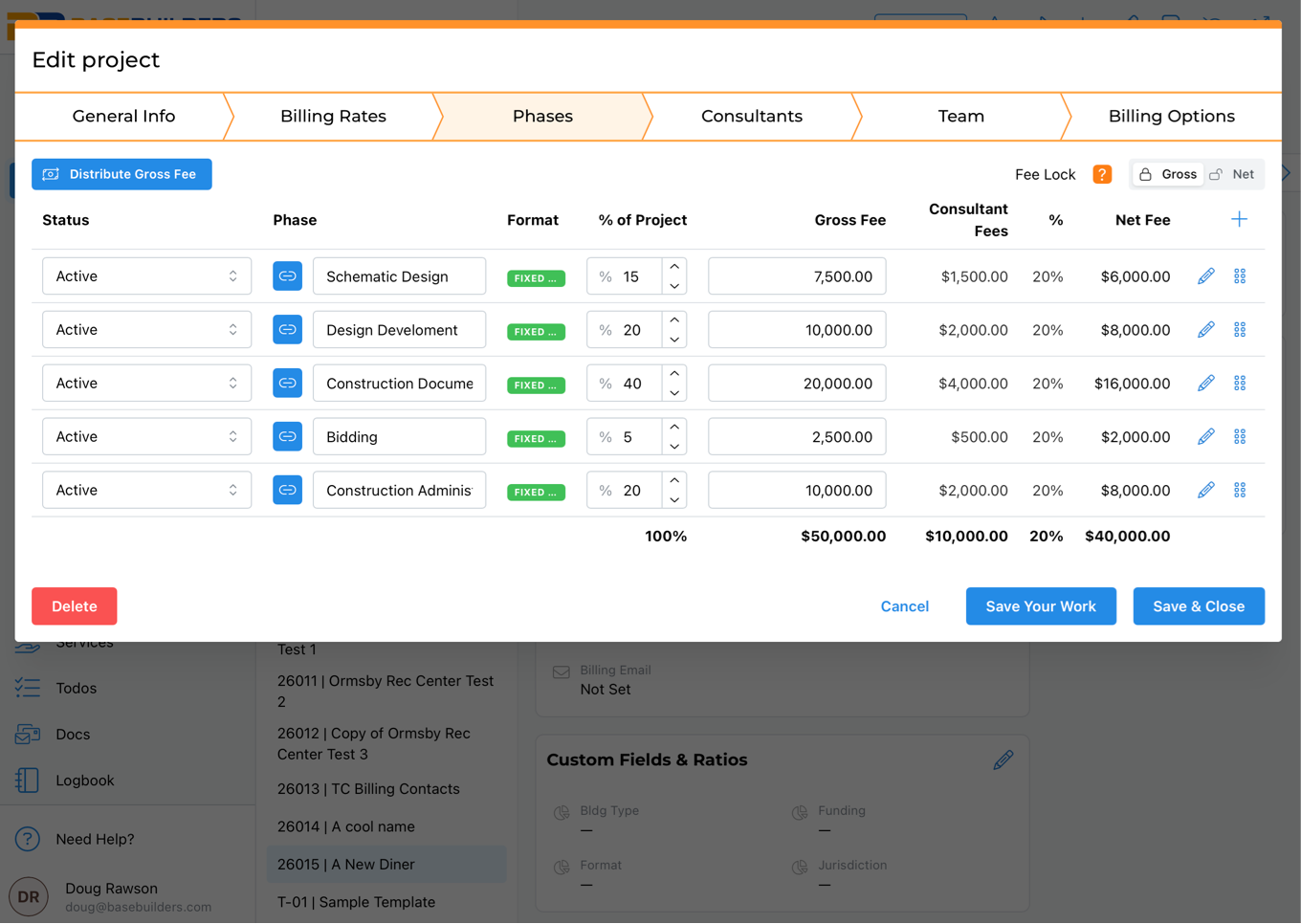
Step 3 — Build Your Phases & Fee
Import your standard phases from masters, enter your total fee, and let the system distribute it across phases automatically using your preset percentages. Adjust any phase at any time.
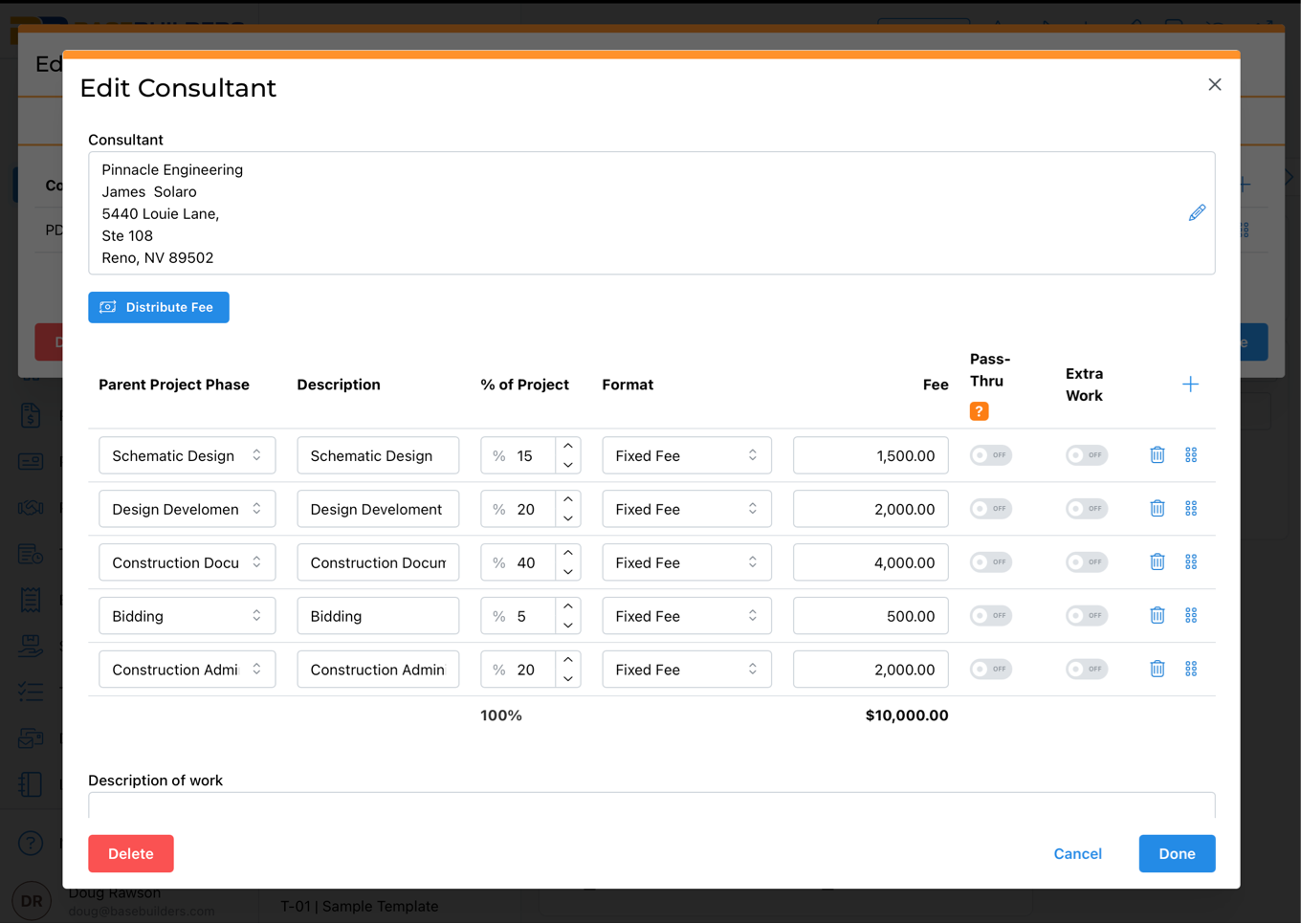
Step 4 — Add Consultants
Add subconsultants, assign them phases, and enter their fees. Use the fee lock to control whether consultant costs are inside or outside your firm's net fee — the math updates instantly.
Most engineers get to skip this step! 😁
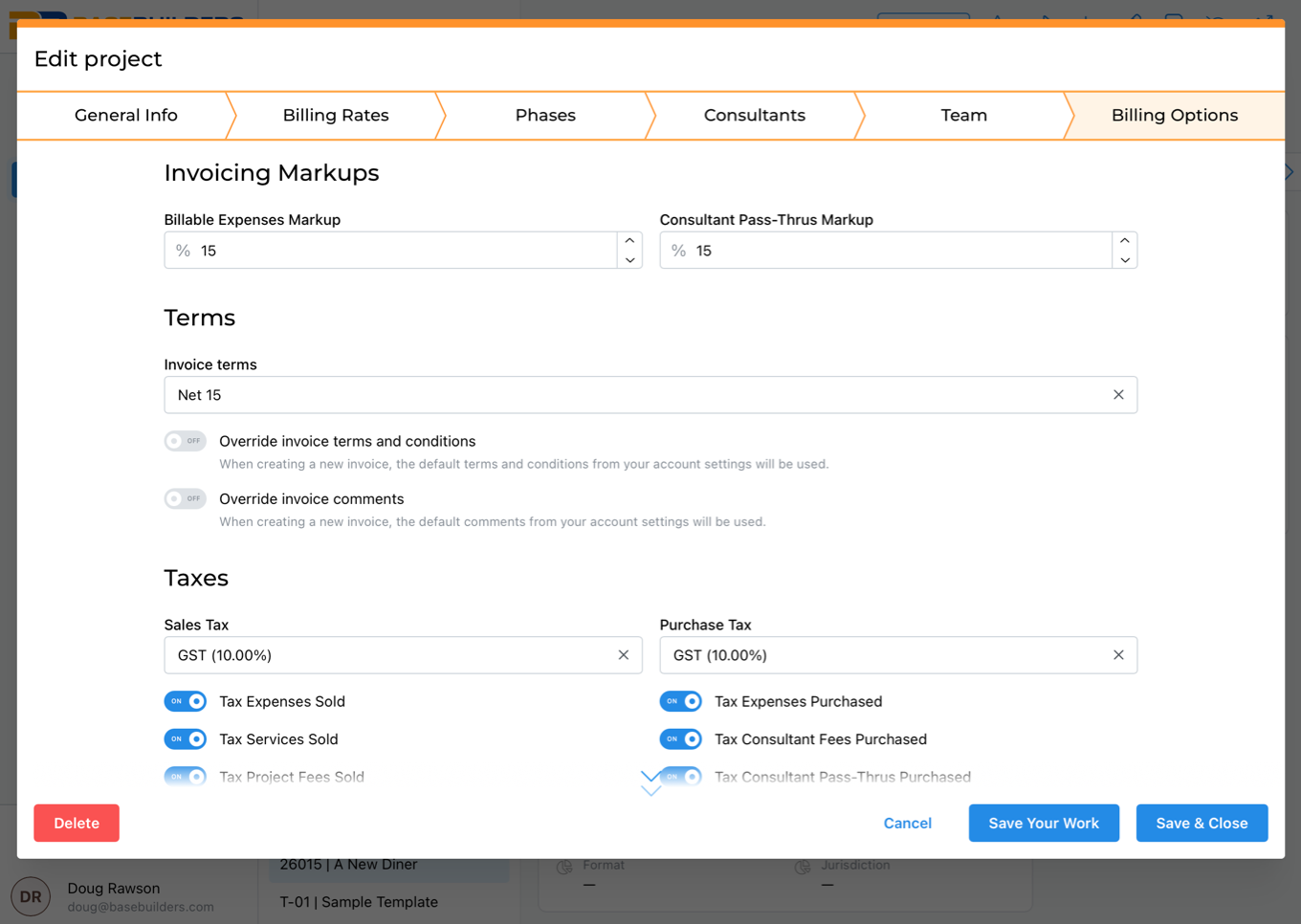
Step 5 — Assign Your Team & Billing Options
Add your primary and secondary PMs, assign staff, and confirm billing options. Billing options default to your firm's settings — so there's nothing to configure from scratch.
The Problem Isn't Managing Projects.
It's Getting Them Set Up Right.
Most A/E firms lose time and money because:
What This Actually Changes
Before BaseBuilders
After BaseBuilders 🚀
Get Fully Onboarded in 7 Business Days
Our team is ready to guide you from where you are to where you want to be. Give up managerial minutia for the freedom to focus on the work you do best.

BaseBuilders’ easy-to-use software is specifically designed to help small to mid-sized firms track time, manage projects, stay on top of expenses, and more. We’ll handle the invoicing for you so you can focus on growing your firm and designing wonderful spaces.